Pentest-CTF-Checklist
Hector’s Pentest CTF Checklist
A comprehensive penetration testing and CTF checklist application with integrated vulnerability search.
Features
This is AI generated. I can’t seem to remove it as Github just keeps putting it back
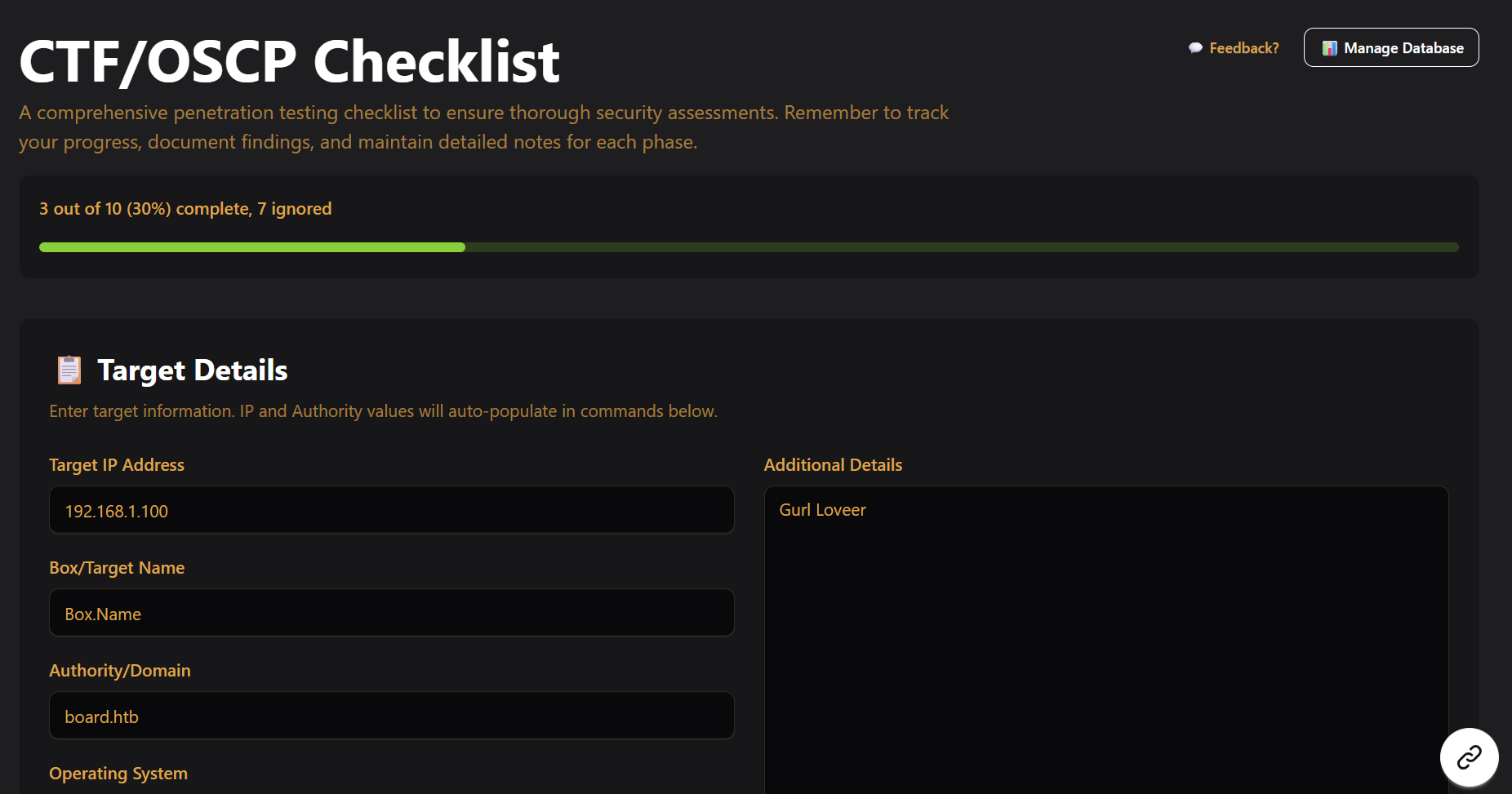
- ✅ Interactive Checklist: Clickable steps with progress tracking
- 📝 Note-Taking: Textboxes for detailed findings at each step
- 📸 Screenshot Management: Upload and organize screenshots per step
- 🔍 Vulnerability Search: Search for CVEs and exploits based on software versions (NEW!)
- 💾 Auto-Save: All progress saved to localStorage
- 🎯 Target Management: Track IP addresses, domains, and target details
- 🏷️ Platform Icons: Support for HackTheBox, TryHackMe, and OffSec platforms
Images
Docker (Recommended)
The easiest way to run the application is using Docker Compose:
# Clone the repository
git clone <repository-url>
cd Pentest-CTF-Checklist

# Start both frontend and backend
docker-compose up -d

# Access the application
# Frontend: http://localhost:3000
# Backend API: http://localhost:8000
To stop the containers:
docker-compose down
To rebuild after code changes:
docker-compose up -d --build
Manual Setup (Not Recommended)
If you want to run without Docker:
Backend:
cd backend
pip install -r requirements.txt
uvicorn main:app --reload
Frontend:
cd frontend
npm install
npm run dev
Note: Manual setup is not recommended because there are 0 precautions. For example, 0 sanitisation of input. You don’t want to become an IRL ctf victim of command injection.
Use a docker container. Don’t run this as a public facing app. Docker escape is not easy.
Todo:
1) Obviously add more steps (WIP)
2) Follow what NoRaj did for the OSCP Exam Template and make mine also generate a report if needed
3) FastAPI + TinyDB DONE: Basic FastAPI + TinyDB backend implemented
4) Export as JSON to continue later (Done)
5) Export as pdf (Done)
Done:
1) Added a proper checklist- clickable steps, progress bars 2) Added functionality to upload and delete screenshots (You cant preview them) - I suck at react router so I have no desire to do multi-page 3) Added vulnerability search with FastAPI backend 4) Attempt Defense against RCE in conversion to pdf part. Also attempted defense against React2Shell
Notes:
I have updated this to fix React2Shell. Regardless due to the heavy AI presence of the frontend (Coupled with how I didn’t check anything since I really only need an interactive checklist and this isn’t supposed to be deployed publicly), there likely are vulnerabilities and very poor coding practices. For example right now, I have 0 plans on on validation of file uploads beyond frontend checking of JPG, JPEG, and PNG, so it’s going to be possible to upload an EICAR file.
I.E My recommendation is to run this as a docker container